Book a meeting
Get All Tendering Tools in
One Place
Everything you need to find, track and manage public sector tender opportunities -
from search through to submission.

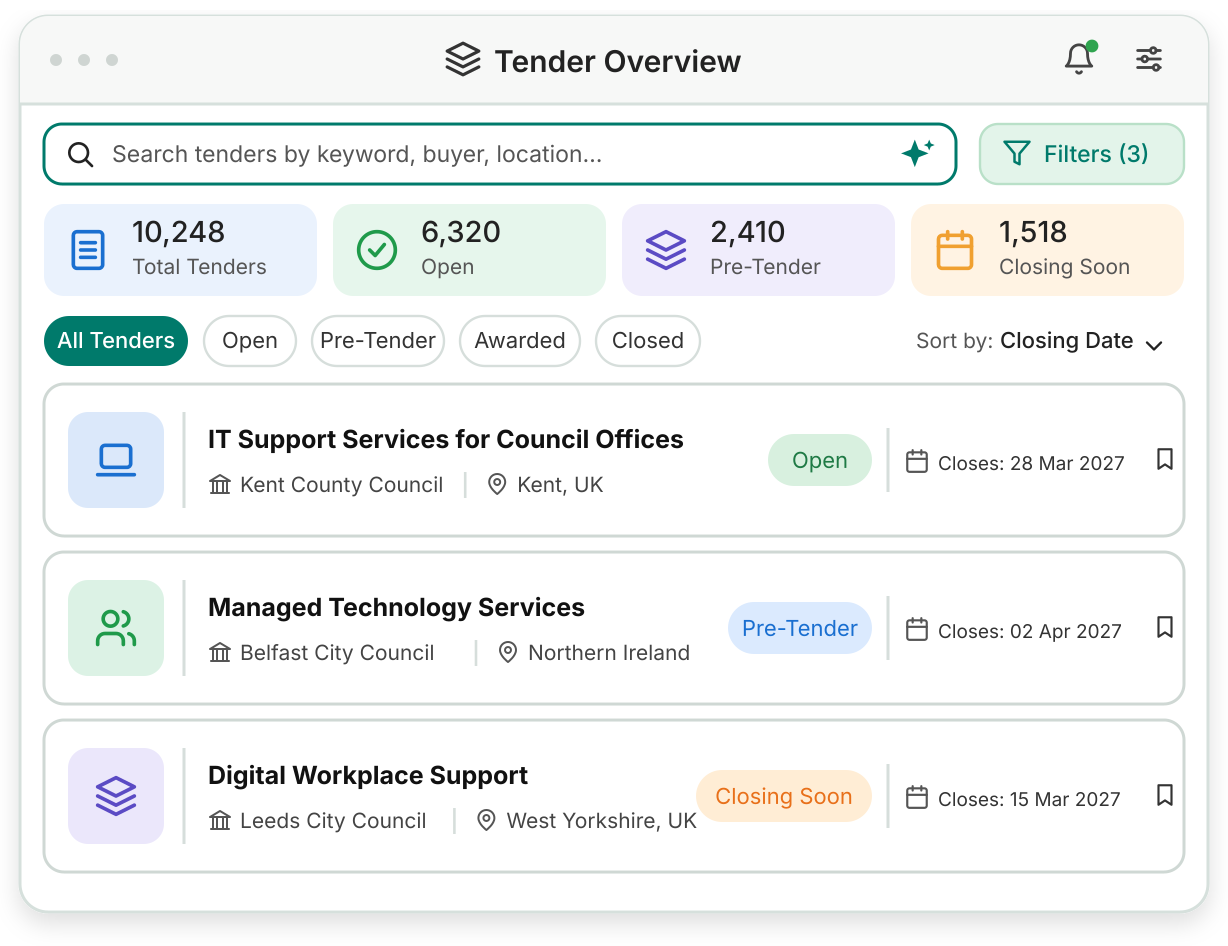
Tenderbase brings notices from thousands of official portals and public sector sources into one feed. Inside, six tools help you search, score, track and organise every UK and Ireland tender you follow.
 AI search that understands plain English
Match scores on the tenders that fit your profile
PIN, framework and DPS tracking with renewal reminders
Shared folders, tasks and deadlines for every tender
14-day free trial. No payment today.
Each tool tackles a problem suppliers run into every week. Find the one that sounds like yours,
then see how it works.
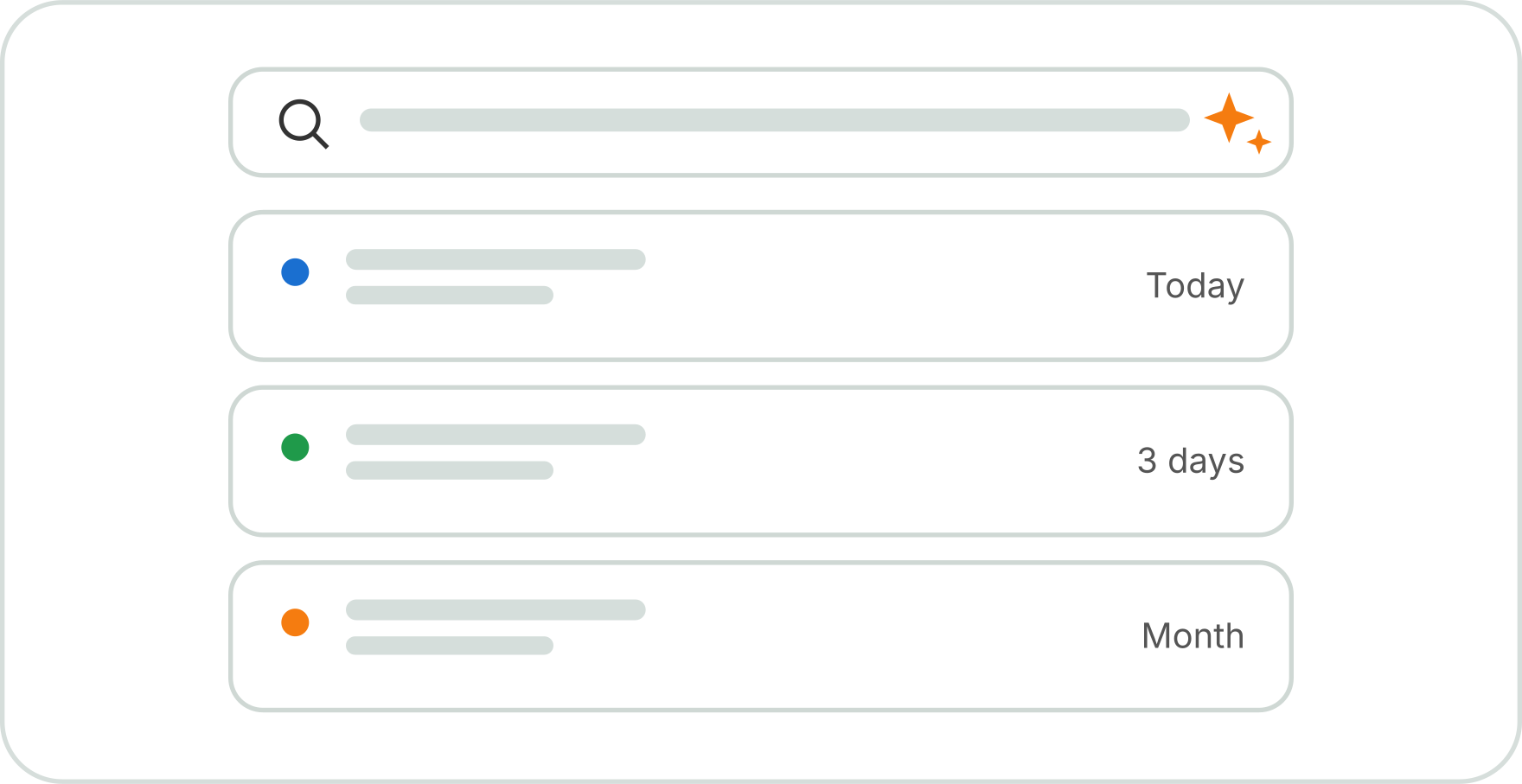
Guessing the right keyword or CPV code can turn one search into ten. Describe the work in your own words instead, and the search sets the location, date and buyer filters for you.
Learn more
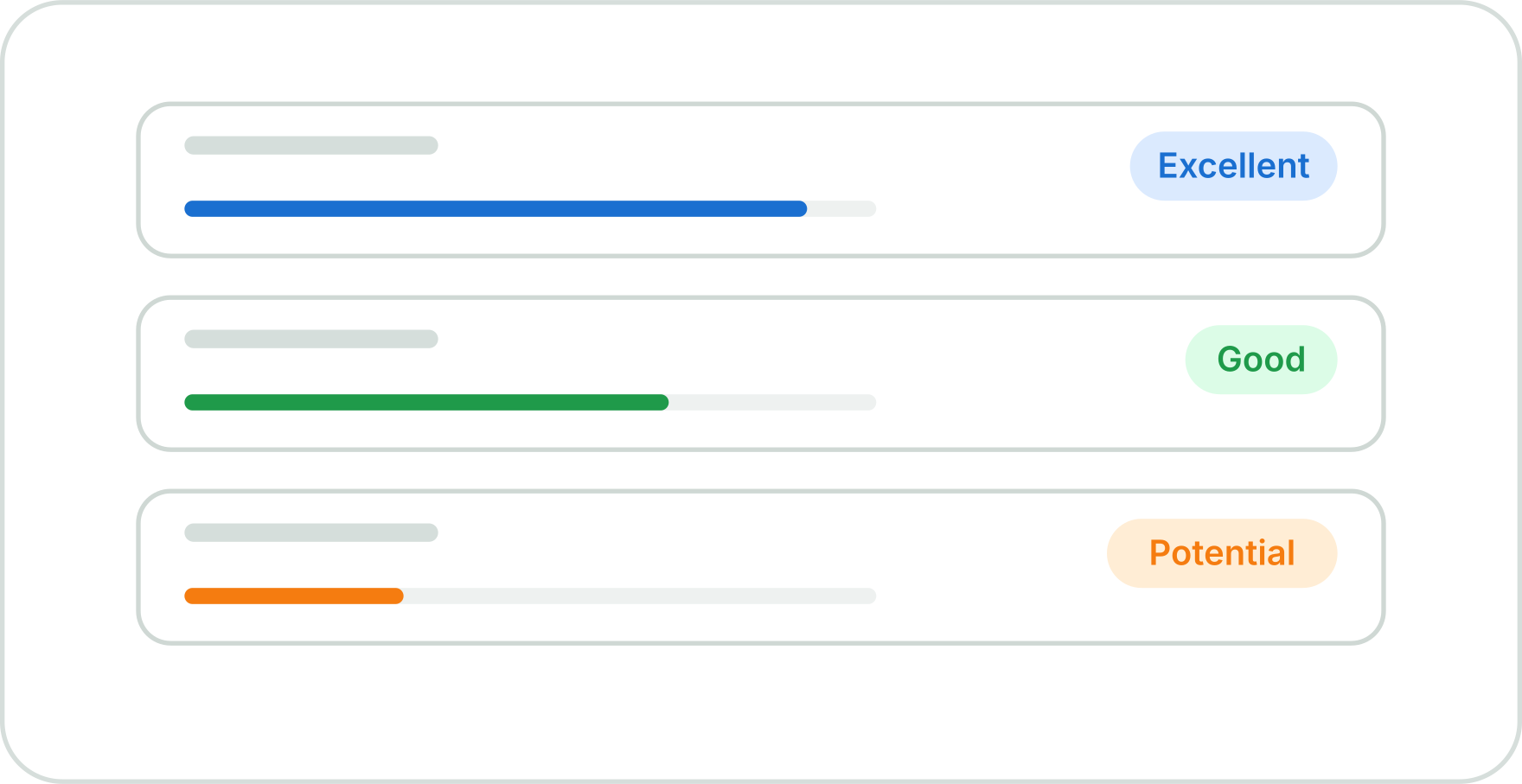
When half your results don't fit, every notice becomes a slow, doubtful read. Match badges mark each tender as Excellent, Good or Potential Match, so you know where to start.
Learn more
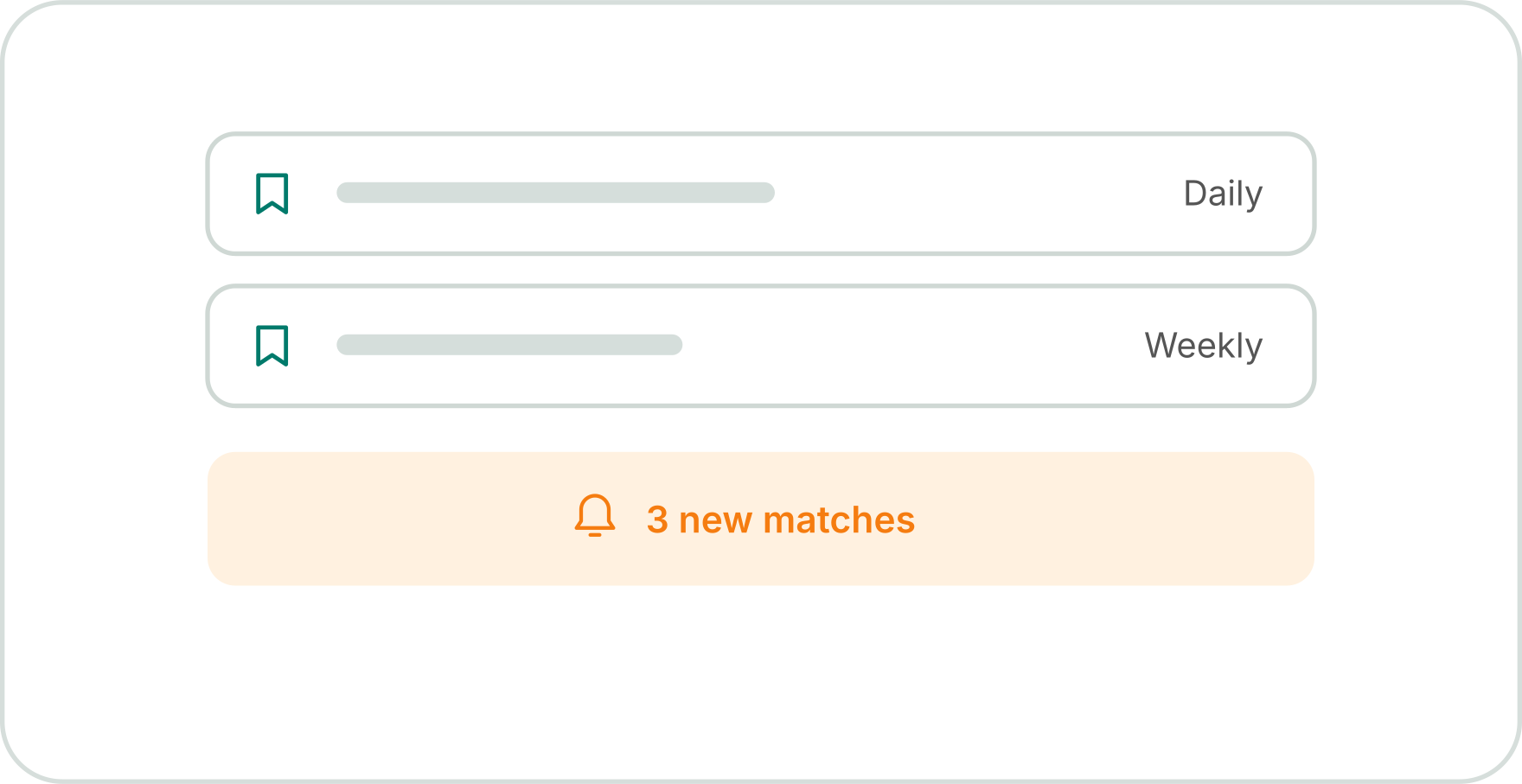
Tired of starting your tender search from scratch every day? Save your filters once, and Tenderbase keeps watching, then emails you when new matches appear.
Learn more
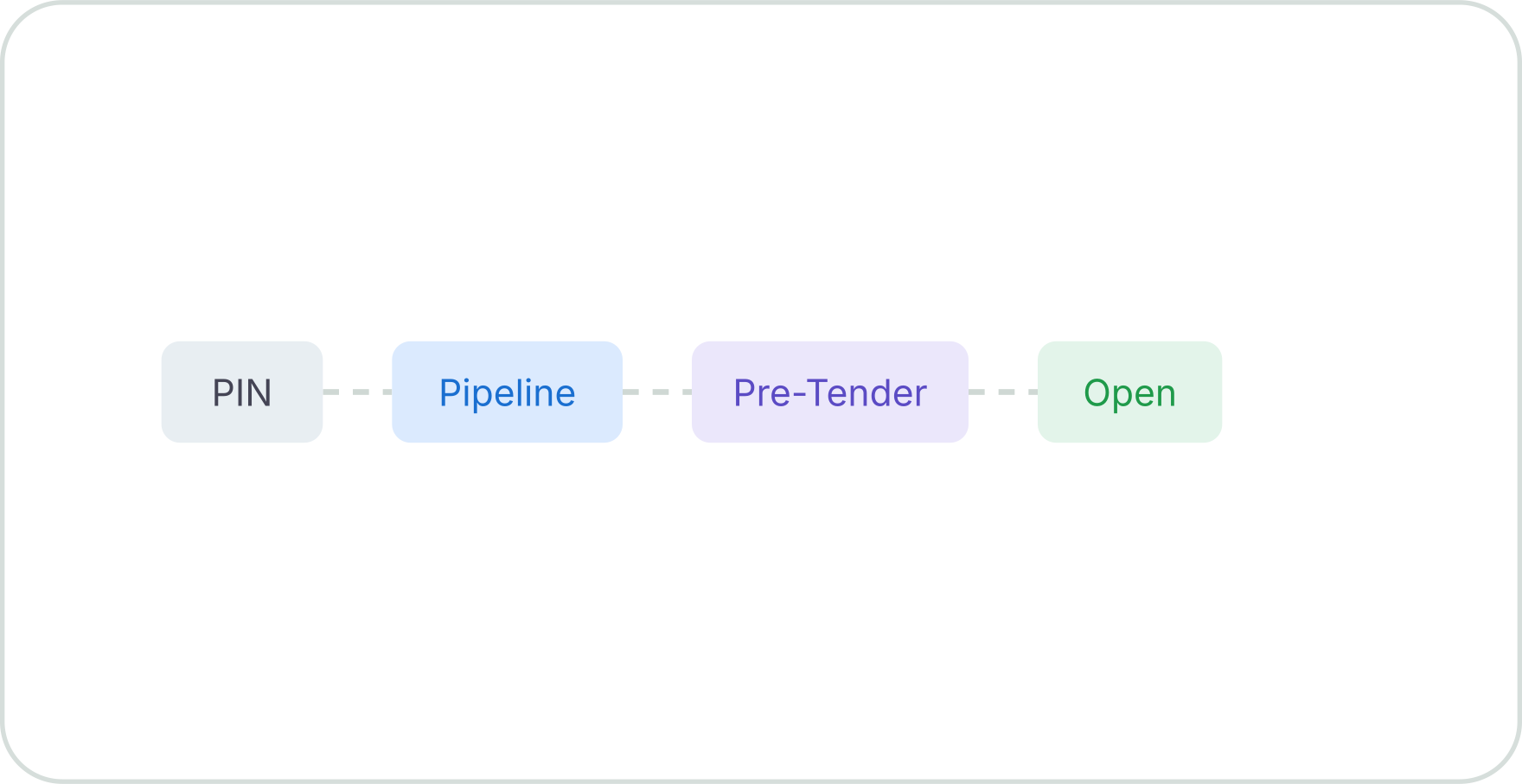
Spotting a tender on the day it goes live leaves very little time to prepare. Follow prior information notices (PINs) and renewals early, while theres still time to plan.
Learn more
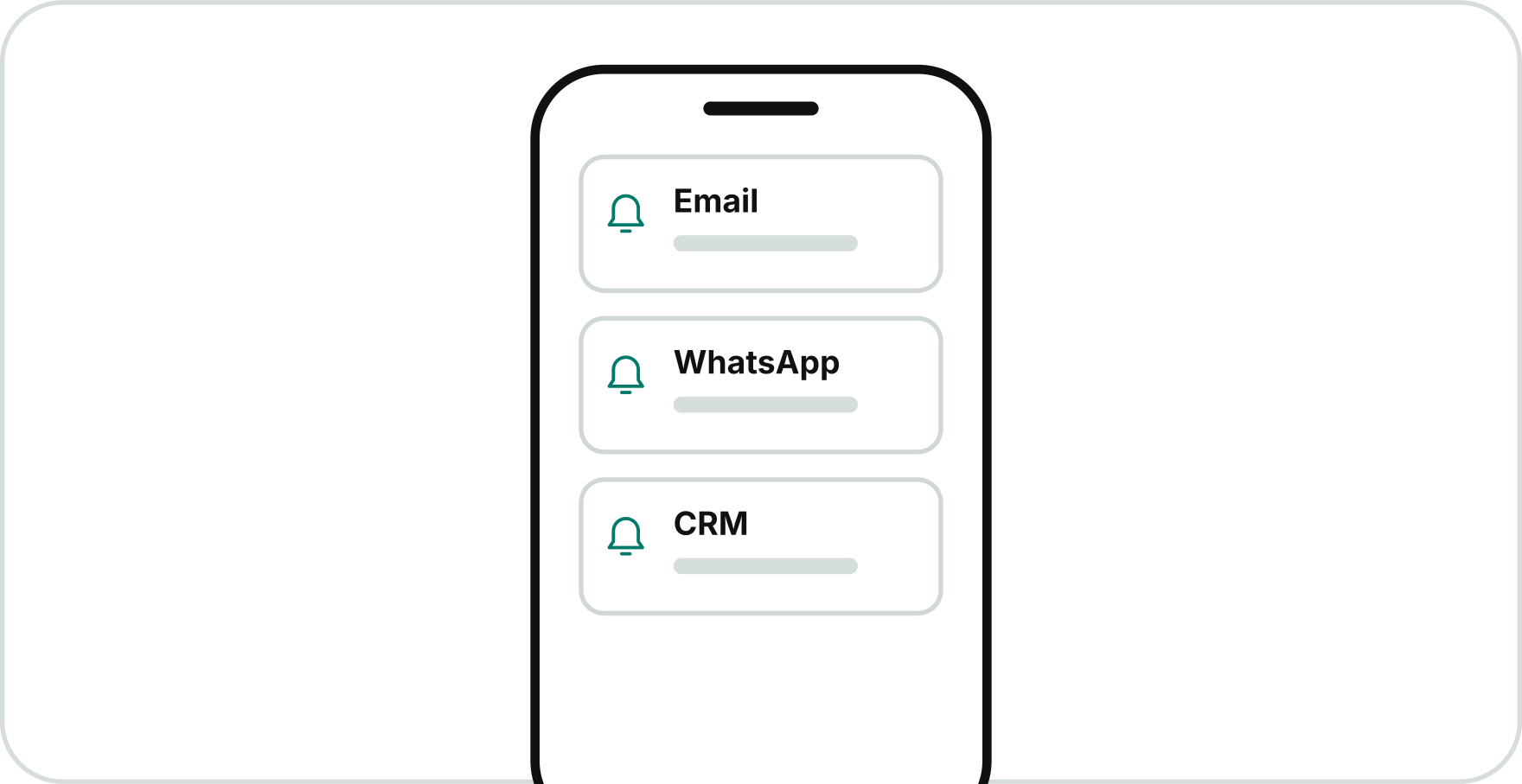
Not everyone has the time to build searches and keep adjusting filters. Tell Tenderbase about your business once, and matching tenders arrive as they are published, on the schedule you choose.
Learn more
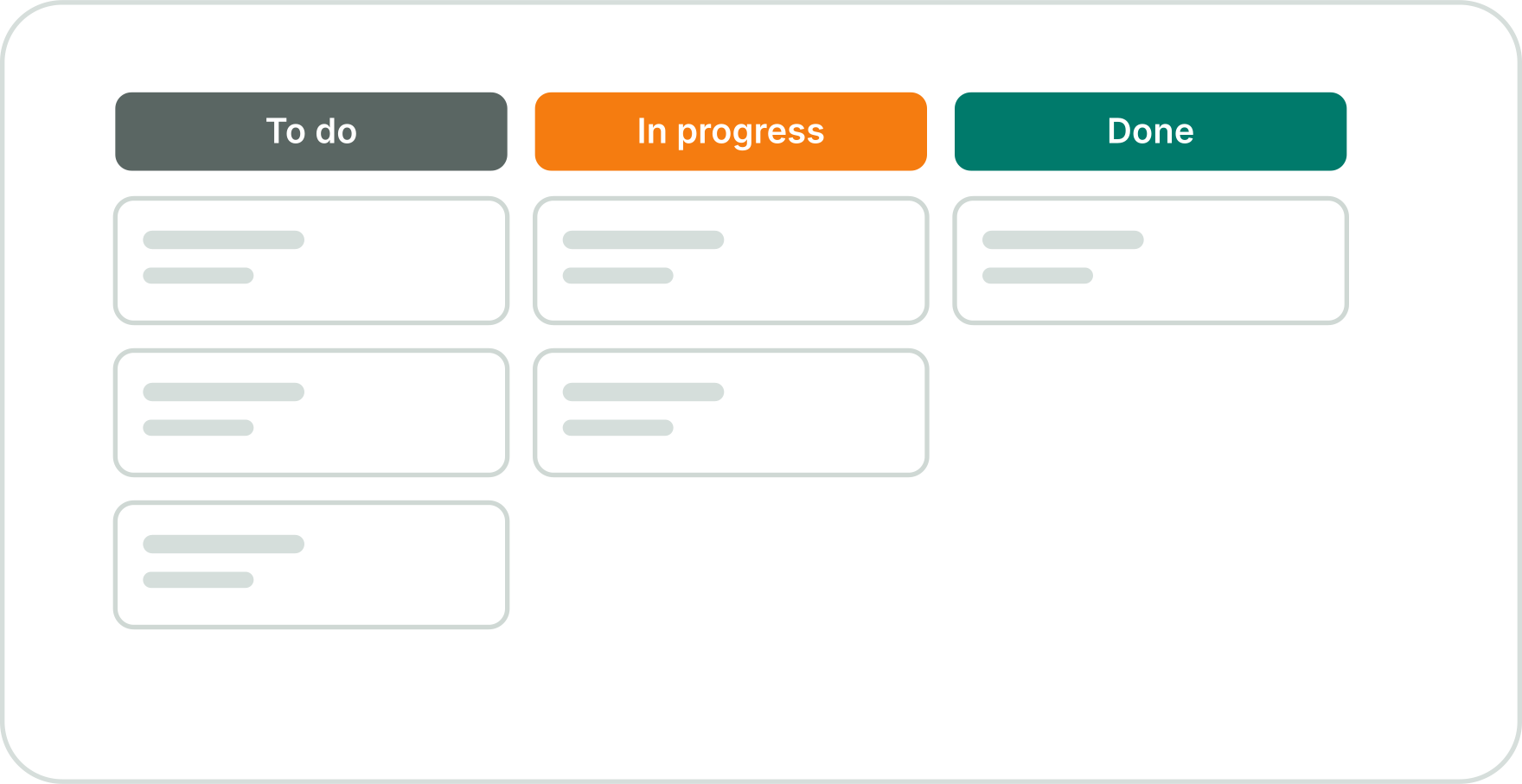
Bids start to slip when deadlines stack up and tasks sit in different inboxes. Shortlists, shared folders and task deadlines keep each one moving, with a clear owner for every job.
Learn more
Go beyond tender discovery with powerful tools to organise opportunities, manage your team
and streamline your entire tendering process.

Bring your team together, assign responsibilities, set deadlines and track bid progress. Manage team activities in one place with support for up to 3 team members.

Track opportunities from early-stage PIN notices and pre-tender activity through to open, awarded and closed stages. Monitor procurement progress and manage your tender pipeline with greater visibility.

Organise saved tenders into folders by buyer, sector, project or priority. Keep opportunities accessible, structured and easy to manage with system archives.

Tailor your profile using CPV codes, keywords, locations, business types and contract values to discover opportunities that better match your business.

Save relevant opportunities from anywhere across the platform. Build your shortlist, revisit promising tenders and keep your potential bids in one dedicated place.

Connect Tenderbase with Microsoft Teams, HubSpot, Salesforce, WhatsApp and monday.com. Use API access to bring tender data into your own systems.
Follow one tender from its first early signal to a finished bid,
and see where each tool takes over.
 Step 1
A contracting authority publishes a PIN for the kind of work you deliver. You track it with one click, and it joins your pipeline.
 Step 2
Tenderbase emails you when the PIN becomes a live tender. On the platform, it already carries its match badge.
 Step 3
You read the notice and check you are eligible and can meet the deadline. Want to know the buyer first? Look up their history in Market Insights.
 Step 4
You shortlist the tender, split the response into tasks and assign each one. It also goes to Microsoft Teams, where your colleagues already work.
The tools cover most tenders on their own. For the rest, switch these on monthly, only when you need them.

You can track open, awarded and expired tenders, including historical awards, across the regions your plan covers. PIN and Pipeline Tracking adds PINs, frameworks, DPS and contracts nearing expiry.
Tenderbase collects notices from thousands of official portals, plus procurement platforms, public sector sources and industry blogs. Everything lands in one feed, filtered around your business.
Saved search alerts follow the filters you build and save yourself. The Tender Alert Service works from your business profile, so matches reach you with no searches to set up.
Yes, from the Regional Plus plan upwards. Add colleagues, assign them tenders, tasks and folders, then follow each bid’s progress together.
Yes. It connects to Microsoft Teams, HubSpot, Salesforce, WhatsApp and monday.com, and the API streams tender data into your own systems. Most plans include a set-up guide, and on UK + Ireland, we set the integrations up for you.
Every plan includes full tender details with PDF downloads. If you need the buyer’s own documents, such as the ITT or RFQ, request them as an add-on.
Yes. Build your business profile with the self set-up CPV guide that comes with every plan. Then alerts and match badges point you to the tenders worth reading first.
Every plan includes email, ticket and phone support from 9am to 5pm, Monday to Friday, plus 24/7 emergency support. UK Wide and UK + Ireland add a dedicated support manager and an onboarding session.
Everything you need to find, track and manage public sector tender opportunities -
from search through to submission.
 Flexible pricing options with no cancellation fees
Try before you buy with our no‑obligation free trial
24/7 UK-based expert support
End-to-end guided tender management
User-friendly, intelligent interface
Customisable based on your specific requirements
Instant scalability
Industry-agnostic
Quick Links
Tender Search
Important Information
Get to know more about our latest features.
Social Links :