Get All Tendering Tools in
One Place
Everything you need to find, track and manage public sector tender opportunities -
from search through to submission.

You know the kind of tenders you want, but there's rarely time to go looking for them. Tell Tenderbase about your business once, and matching tenders start arriving on your schedule.
 Matches built from your business profile
Daily or weekly, at a time you choose
Delivered by email, WhatsApp or your CRM
Closed tenders never sent
14-day free trial. No payment today.

Plenty of suppliers sign up for tender alerts, then stop opening them. These are usually the reasons why.

Setting up filters takes time you'd rather spend on the work itself. So the alerts never get set up properly, and good tenders pass you by. Here, your business profile does the matching, so there's nothing to build.

When most alerts are irrelevant, you soon stop reading them. That's exactly when the one that mattered gets missed. Our alerts only go out when a tender genuinely matches your profile.

Opening an alert only to find the deadline has passed is worse than getting no alert. That's why closed tenders are never sent, so every alert is still worth acting on.

An alert that lands at the wrong moment is easy to lose under the rest of your email. Choose daily or weekly delivery, then set the day and time that suit how you work.
We build and run the alert service for you. All you do is tell us about your business.
 Step 1
Add your CPV codes, keywords, location, business type and contract value. That profile becomes the brief Tenderbase works from.
 Step 2
As new tenders are published, each one is checked against your profile. Only the ones that fit are kept for your alert.
 Step 3
Your matches are gathered into one email and sent on the day and at the time you've chosen. If you've connected WhatsApp or your CRM, they can reach you there too.
 Step 4
Add a service or change your location whenever your business changes. Your next alert then reflects the new profile, with no waiting.
Each alert is built to be read quickly, so you can spot the best tenders and get back to work.
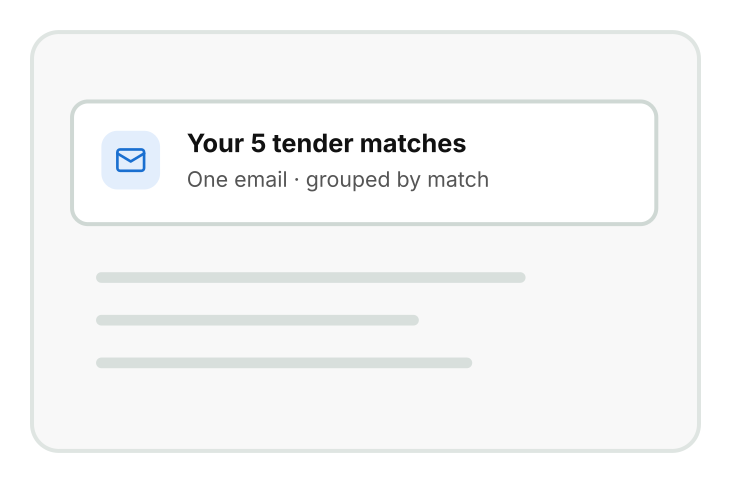
All your new matches sit in one email, with clear headings and the key details for each. A link then takes you straight to the complete list on Tenderbase.
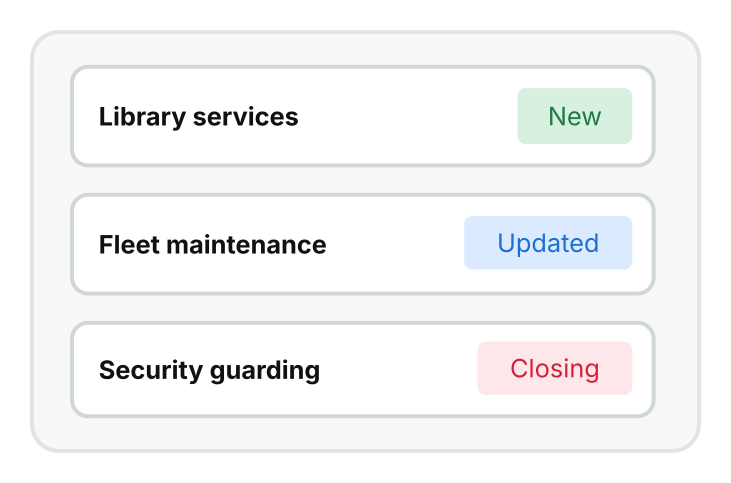
Alerts cover newly published tenders, plus updates and closing dates on relevant ones. So you hear when something changes, not just when something new appears.
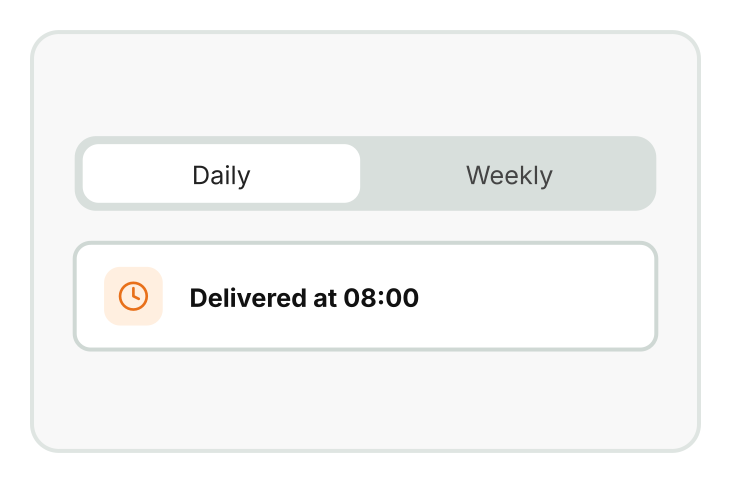
Pick daily or weekly alerts, then set the day and time. That way, they arrive when you're ready to read them.
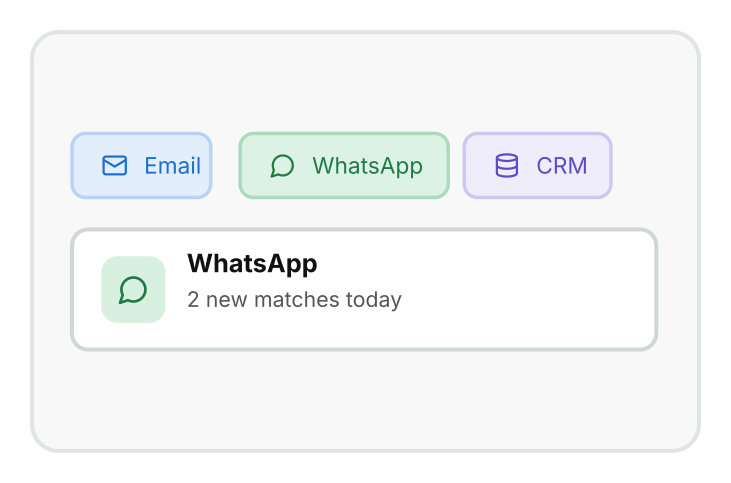
Alerts go to the email address you choose. Once you connect WhatsApp or a CRM such as HubSpot or Salesforce, they can reach you there as well.
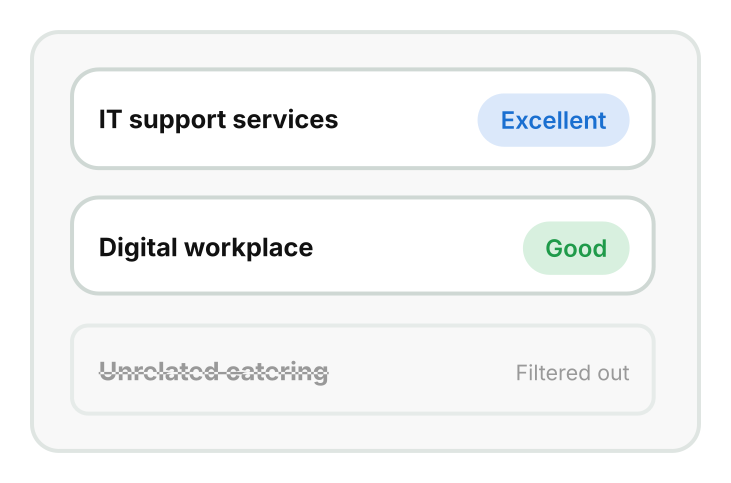
You only hear about tenders that match your business profile. So when an alert lands, it's worth opening.
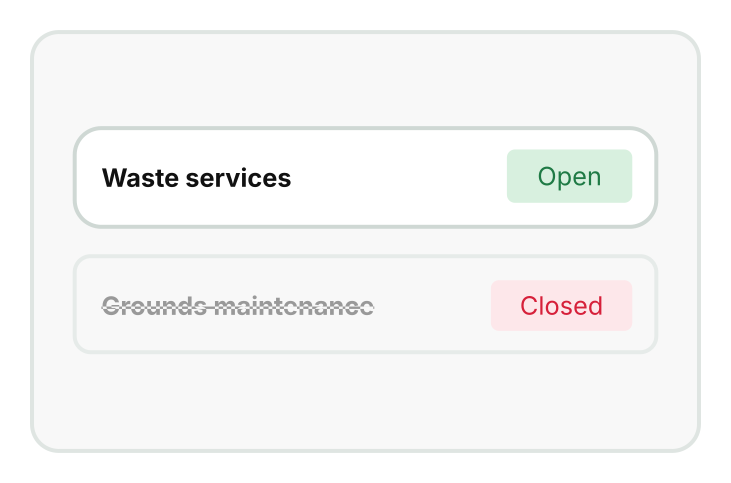
A tender that has already closed never makes it into your alert. That means every opportunity you see is still open to bid on.
Alerts bring the right tenders to you. These tools help you dig deeper and look further ahead.

Want to look beyond your alerts? Describe any tender in plain English, and the search sets the filters for you.
Explore Advanced AI Tender Search

Every tender from your alert carries a match badge on the platform. That badge shows you which one to open first.
See how tender scoring works

Prefer to control the exact filters yourself? Saved searches send alerts based on the filters you build and save.
Set up saved searches

Alerts cover tenders as they're published. PIN tracking shows you the ones still on their way.
Track PINs and renewals
Everything you need to find, track and manage public sector tender opportunities -
from search through to submission.
Quick Links
Tender Search
Important Information
Get to know more about our latest features.
Social Links :