Get All Tendering Tools in
One Place
Everything you need to find, track and manage public sector tender opportunities -
from search through to submission.

Type what you're looking for, the way you'd say it out loud. The AI reads your sentence, sets the filters and returns the tenders that match.
 Plain English, with no special terms or codes needed
Location, dates, keywords and buyers set for you
Catches tenders that buyers word differently
Up to 2x faster than filtering by hand
14-day free trial. No payment today.

Most tender searches go wrong in the same few places. Once the search understands what you mean, each one goes away.

Traditional tender search only matches your exact words, so you end up scrolling past hundreds of irrelevant listings. Tenderbase AI reads what you mean instead, and the results stay close to what you asked for.

Ticking boxes for region, dates and buyer, then starting over with new criteria, eats into the day. Type one sentence, and the AI sets every filter in a single pass.

One buyer writes "grounds maintenance", another writes "landscaping services". The search knows buyers describe the same job in different ways, so contracts that standard keyword search would miss still reach you.

New to tendering and unsure which CPV code or term to use? You don't need either to begin. Anyone can search well from day one, with no training needed.
Take a search like "IT support for councils in Kent, closing next month". Here's what the AI does with it.
 Step 1
Write the search the way you'd describe it to a colleague. There are no codes, special words or search operators to learn first.
 Step 2
It picks out the service, the place, the type of buyer and the timing. Then it ticks the right filter boxes for you.
 Step 3
"Kent" becomes a location filter, "councils" becomes a buyer filter, and "closing next month" turns into real calendar dates.
 Step 4
Add a few more words to narrow your results, or adjust any filter by hand. Happy with what you see? Save the search so it runs again tomorrow.
Each one removes a step you'd otherwise do by hand. Together, they give you a fuller view of the market from a single search bar.
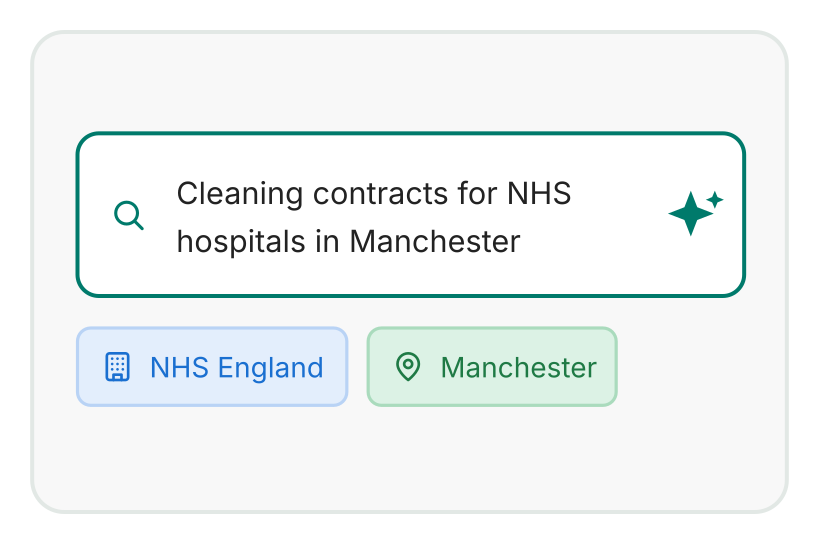
Just type what you need. You don't have to know procurement terms or complex search syntax to find relevant public sector tenders.
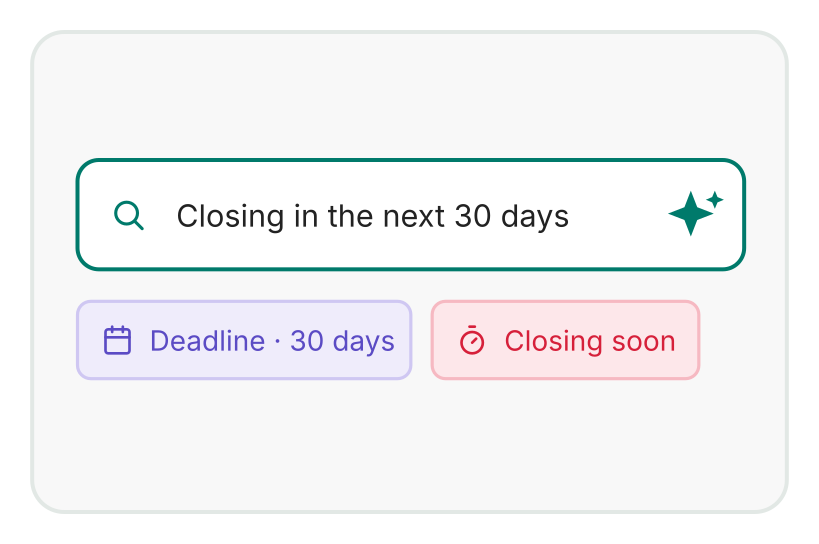
Write deadlines naturally, like "closing next month" or "published this week". The search works out the exact calendar dates for you.
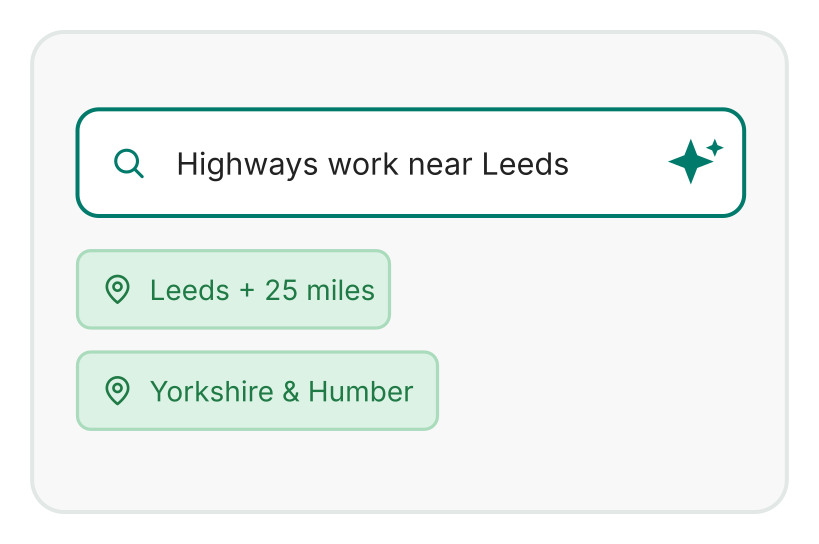
Name any city, county or region in your sentence. The search maps that area and keeps your results inside it.
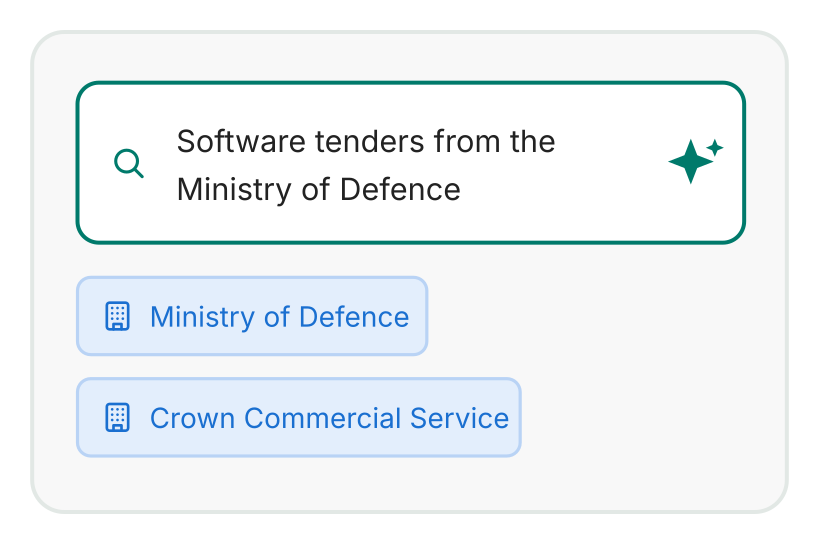
Looking for one organisation? Type a council or buyer name, and the results filter straight to that contracting authority.
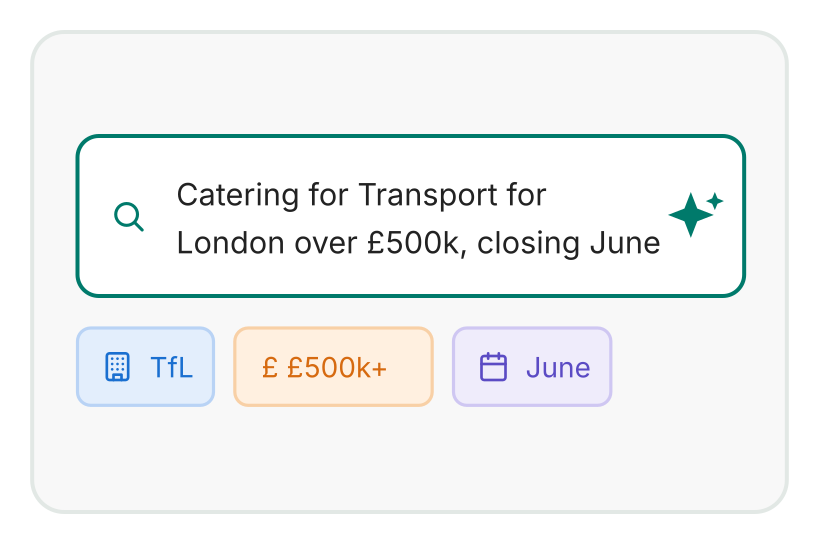
There's no need to run separate searches for each location, date range or buyer. A single query brings every matching opportunity together.
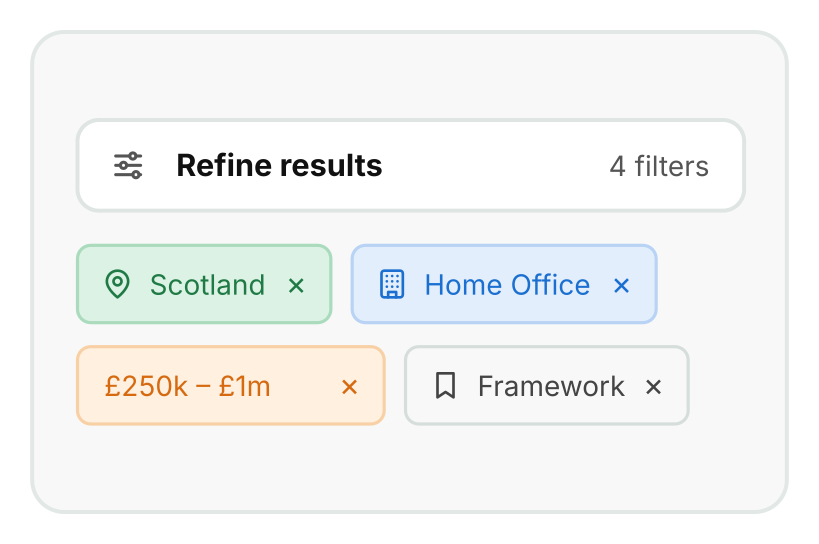
Want to go further? Fine-tune by tender text, CPV code, value, status, lifecycle, date, location, buyer or supplier at any point.
Search is where most tenders start. These tools take over once the results come in.

Every match carries an Excellent, Good or Potential Match badge, so you know which result to open first.
See how tender scoring works

Keep the searches you run often, and get an email when new tenders match them.
Set up saved searches

Look beyond live tenders to early notices and framework renewals that are still on the way.
Track PINs and renewals

Prefer not to search at all? Let your business profile bring matching tenders to you instead.
Explore the Tender Alert Service
Everything you need to find, track and manage public sector tender opportunities -
from search through to submission.
Quick Links
Tender Search
Important Information
Get to know more about our latest features.
Social Links :